
I had a wonderful idea for a game, so rather than let it sit in my vault of unrealized seed ideas, I jumped in and got started on my second project.
This time, I wanted to try building a game outside of the super tight time constraints of a game jam. Unreal’s starter templates made setting up the project very smooth and easy. I was able to quickly configure the project, set up source control in Git, create a grey-box level playground, and set up basic character movement and camera controls without running into any major issues.
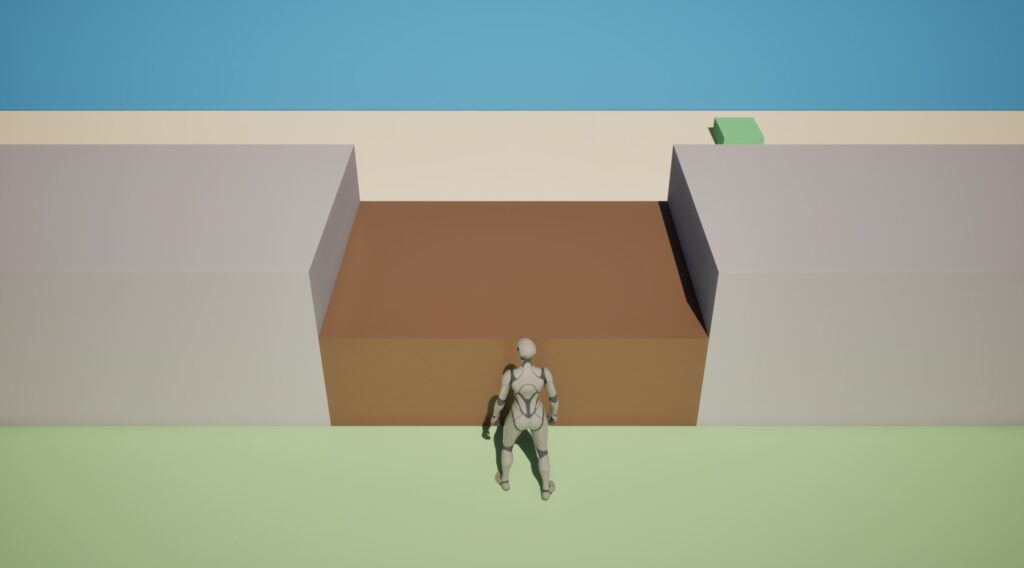
My goal was to get the game’s core mechanic (changing the weather on command) working. To make that happen, I needed get three things working: the weather command, the weather state, and the world visually reflecting weather changes. The first two pieces were easy enough to put together, but the last bit was aggravatingly difficult.
For a while, I was stuck troubleshooting lighting references and Blueprint nodes that seemed to be generating errors for no obvious reason (because I’m very weak with C++, I chose to focus on developing this game entirely in Blueprints which made figuring things out so much more difficult for me). After some debugging (and more hair pulling), it turns out that I had disabled Unreal’s Context Sensitive search somehow and was repeatedly selecting the wrong nodes. Once I fixed that mistake, the lighting transition system fell into place and I was able to create a smooth weather-related light fade effect. Pretty neat if I do say so myself.
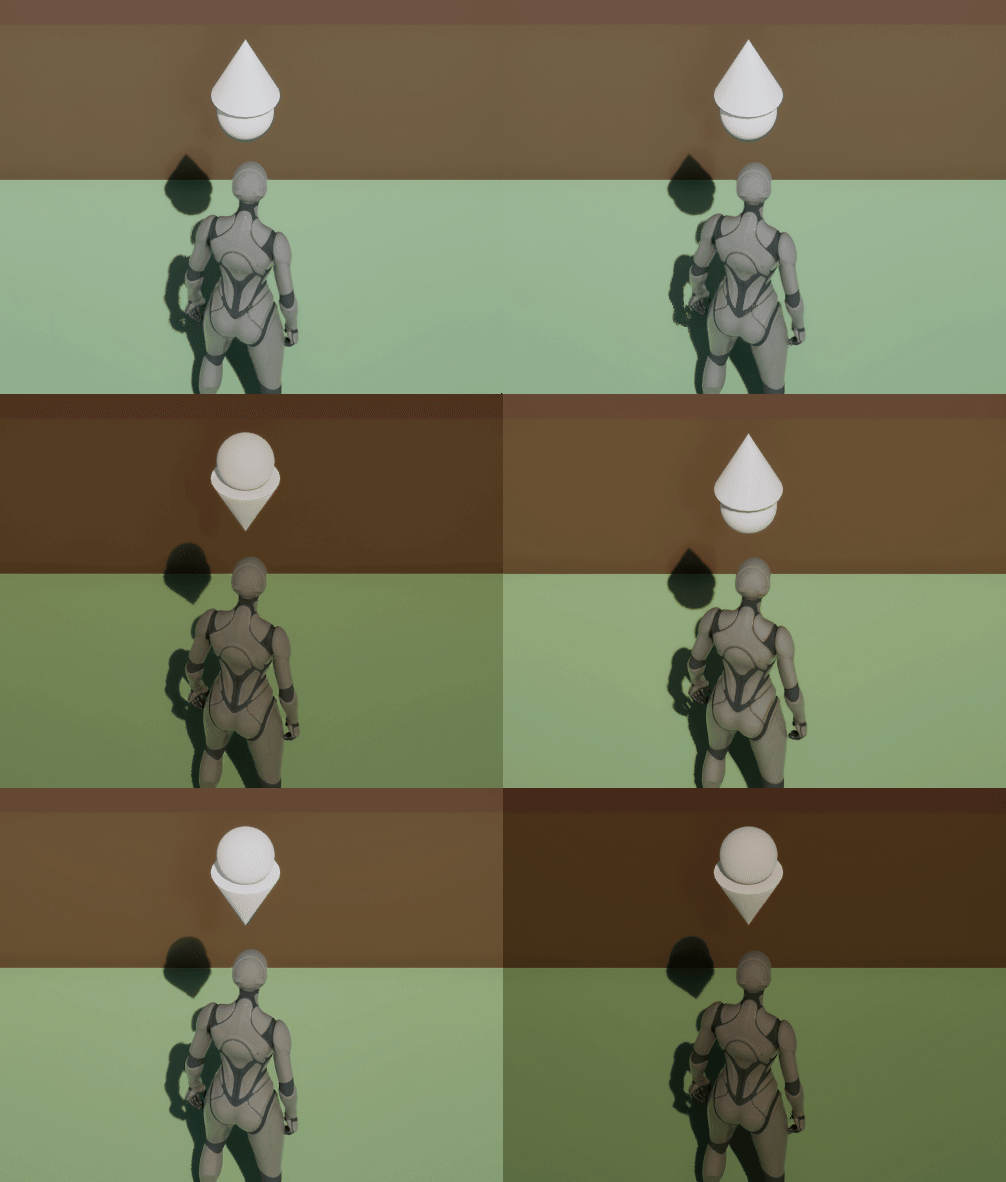
Now that everything works, my next milestone is to make the weather feel more alive by adding actual rain effects. I’m still experimenting with the camera angle, but for the moment it’s doing its job and letting me focus on the mechanics that matter most.
WHAT’S DONE (can I call these “patchnotes”?):
- level grey-boxed
- Fixed camera and WASD movement implemented
- Weather manager and interface system created
- Interaction added (F key)
- Weather lighting transitions working
Time spent: 5.6 hours this session, 5.6 hours total.