Blog

  • Project 2: Development Begins

    I had a wonderful idea for a game, so rather than let it sit in my vault of unrealized seed ideas, I jumped in and got started on my second project.

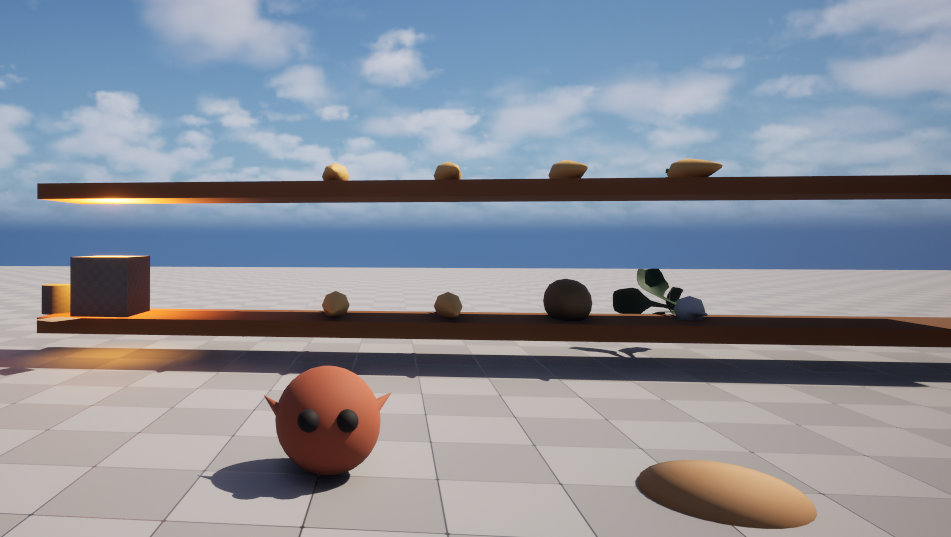
    This time, I wanted to try building a game outside of the super tight time constraints of a game jam. Unreal’s starter templates made setting up the project very smooth and easy. I was able to quickly configure the project, set up source control in Git, create a grey-box level playground, and set up basic character movement and camera controls without running into any major issues.
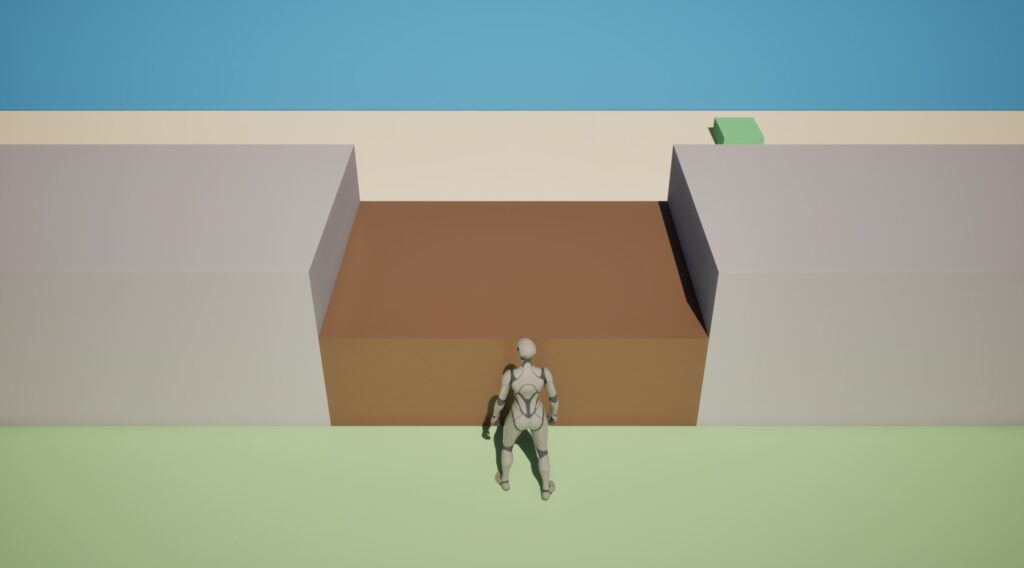
    My goal was to get the game’s core mechanic (changing the weather on command) working. To make that happen, I needed get three things working: the weather command, the weather state, and the world visually reflecting weather changes. The first two pieces were easy enough to put together, but the last bit was aggravatingly difficult.

    For a while, I was stuck troubleshooting lighting references and Blueprint nodes that seemed to be generating errors for no obvious reason (because I’m very weak with C++, I chose to focus on developing this game entirely in Blueprints which made figuring things out so much more difficult for me). After some debugging (and more hair pulling), it turns out that I had disabled Unreal’s Context Sensitive search somehow and was repeatedly selecting the wrong nodes. Once I fixed that mistake, the lighting transition system fell into place and I was able to create a smooth weather-related light fade effect. Pretty neat if I do say so myself.
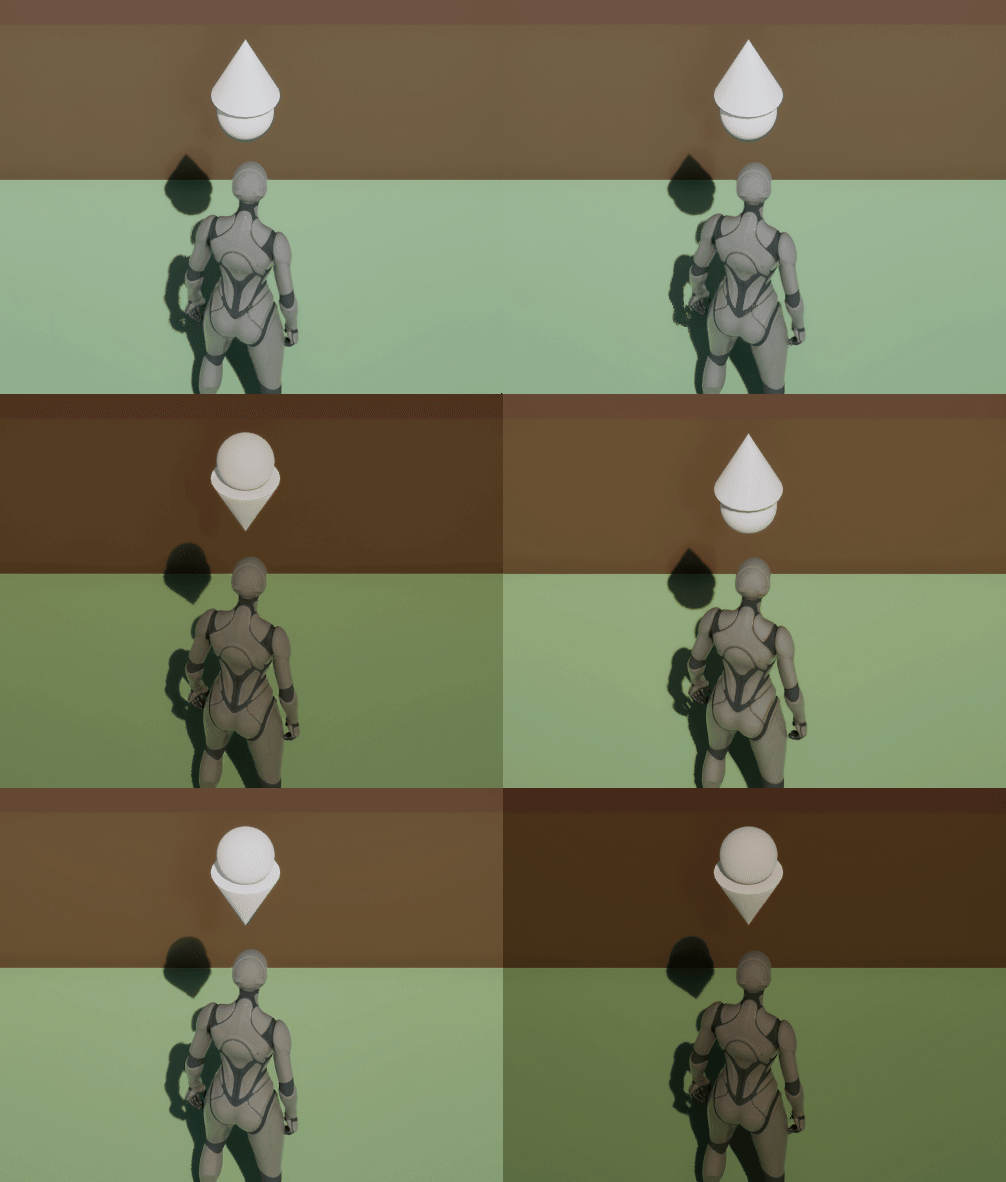
    Now that everything works, my next milestone is to make the weather feel more alive by adding actual rain effects. I’m still experimenting with the camera angle, but for the moment it’s doing its job and letting me focus on the mechanics that matter most.

    WHAT’S DONE (can I call these “patchnotes”?):

    • level grey-boxed
    • Fixed camera and WASD movement implemented
    • Weather manager and interface system created
    • Interaction added (F key)
    • Weather lighting transitions working

    Time spent: 5.6 hours this session, 5.6 hours total.
  • My First Game Jam: 29 Hours and a Crash Course in Unreal Engine 5

    My First Game Jam: 29 Hours and a Crash Course in Unreal Engine 5

    After being inspired by the most recent Game Devs of Color Expo, I wanted to get back into development despite having been away from learning it for many years. One piece of advice echoed by many of the indie developers and speakers there, was to take part in game jams even if you were a beginner, so I decided to do exactly that.

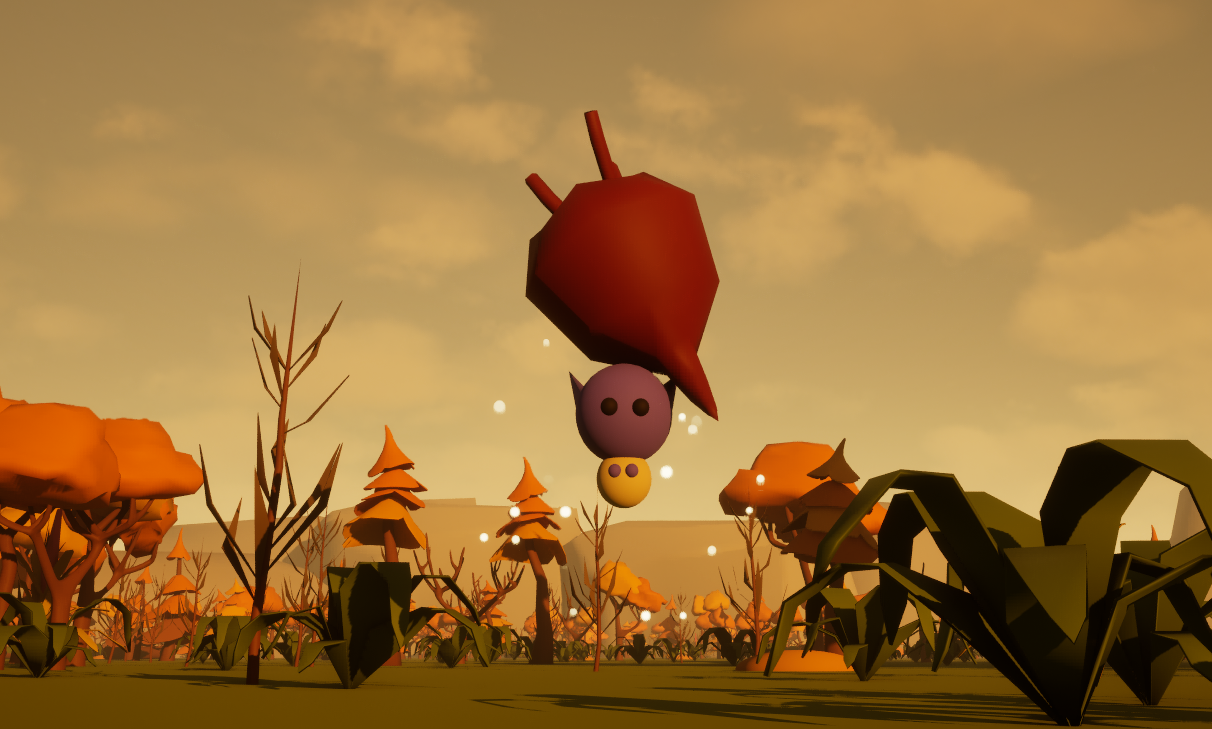
    Immediately after the conference, I started looking for upcoming jams, and Virtual Turtle Games’ 2026 Cozy Fall Jam caught my eye. It seemed straightforward enough; 3 days to make a cozy game with the themes “Fall” and “Roots”. Surely I could make that happen even with my limited skill set.

    In fact, to ensure I could *actually* make it happen, I kept the project small in scope. Most of my original plan for the game made it to the end of the process, and I only made a few aesthetic/visual cuts that didn’t affect the core gameplay. Features like falling leaves, dynamic weather, and day-to-night transitions that started off as “nice-to-haves” ended up as “I don’t really need it for this project” when I realized how much work would go into figuring it out. I didn’t have a lot of time to spare so, unfortunately, they had to go.

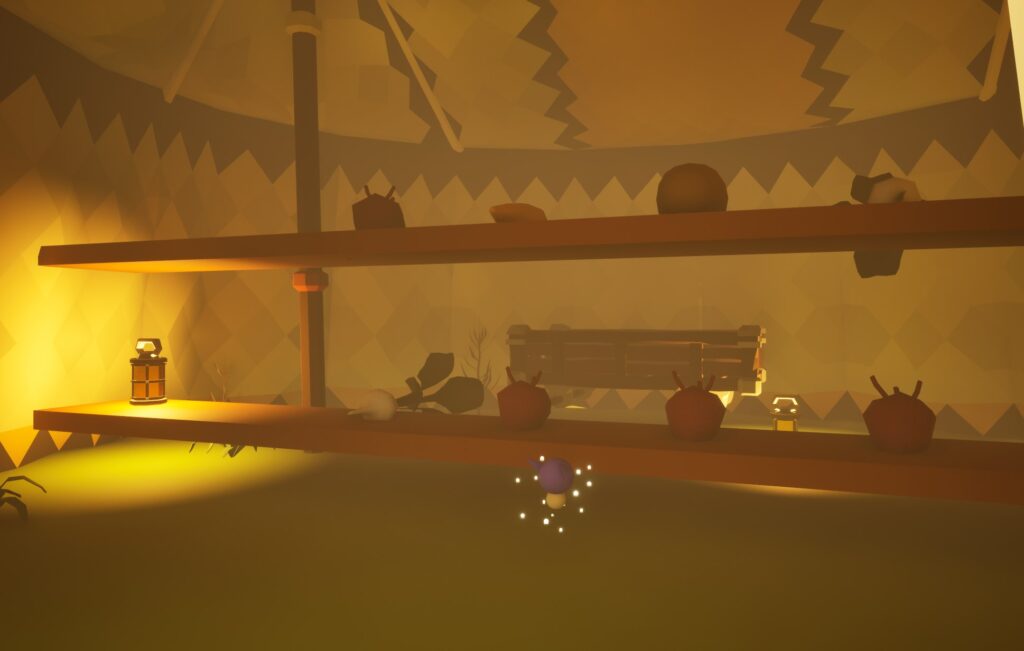
    Another important decision I made early on was to abandon Blender when it became obvious that I would spend too much time struggling with tools (and trying to build custom models) rather than on building the game. It didn’t help that the program kept crashing on me before I even had the chance to attempt a single model, so asset development will have to happen another time. Switching to free asset packs gave me enough time to focus on level design, atmosphere, audio, and creating an ending I was happy with.

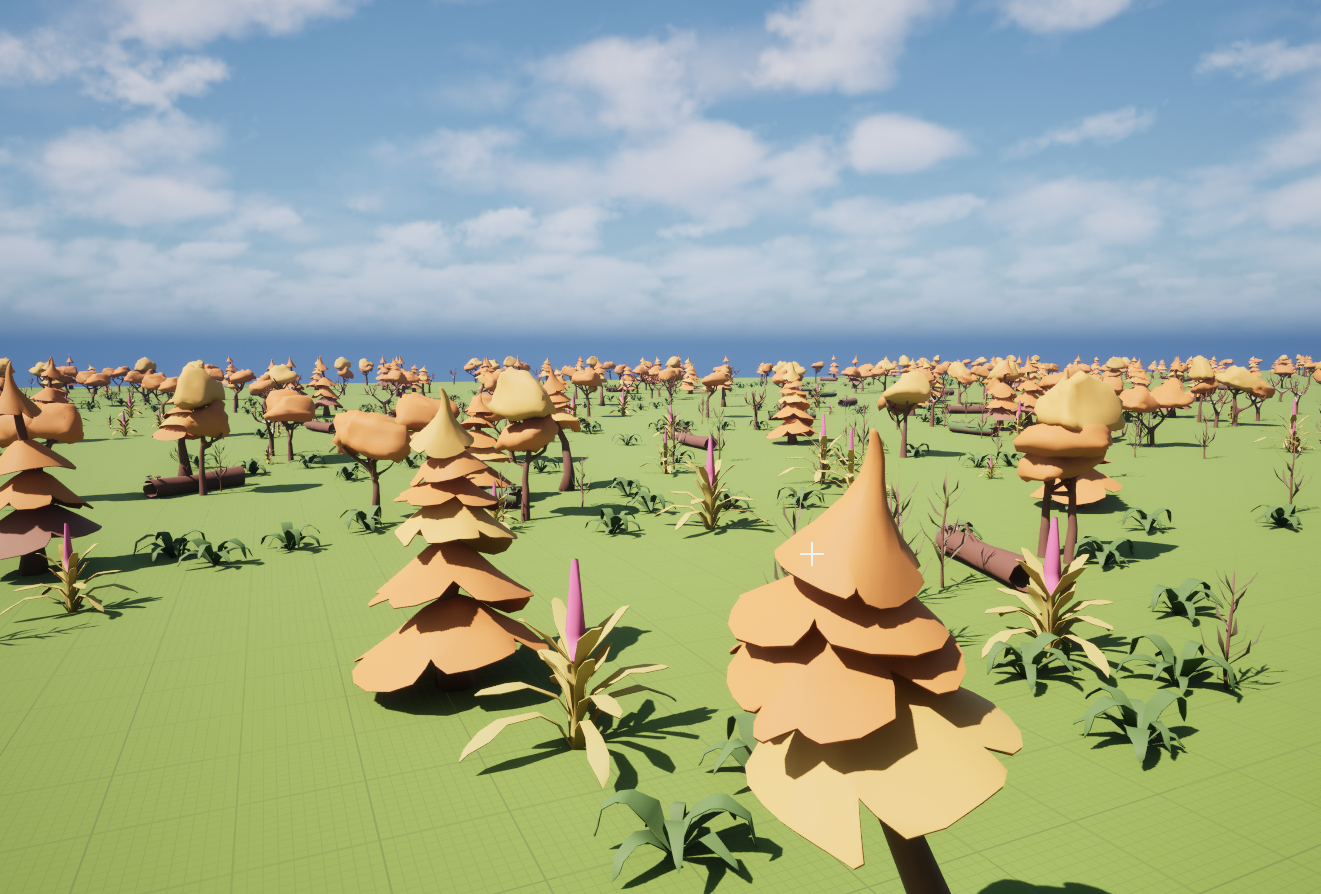
    I spent way too much time navigating Unreal’s Blueprints, UI systems, packaging requirements, and engine-specific quirks. As frustrating as it was, in a way, this turned out to be a good thing because I learned a lot about how different systems intersected. I also gained newfound love for the foliage brush (after all the hiccups, I definitely did not have the time to place a bunch of individual assets across the map).

    Working on this project also allowed me to practice important development principles: commit before doing anything risky, time-box any extra features, pivot early when something isn’t working, and most importantly, assume that things will take longer than expected. Nearly everything took between one and a half to two times longer than I originally estimated.

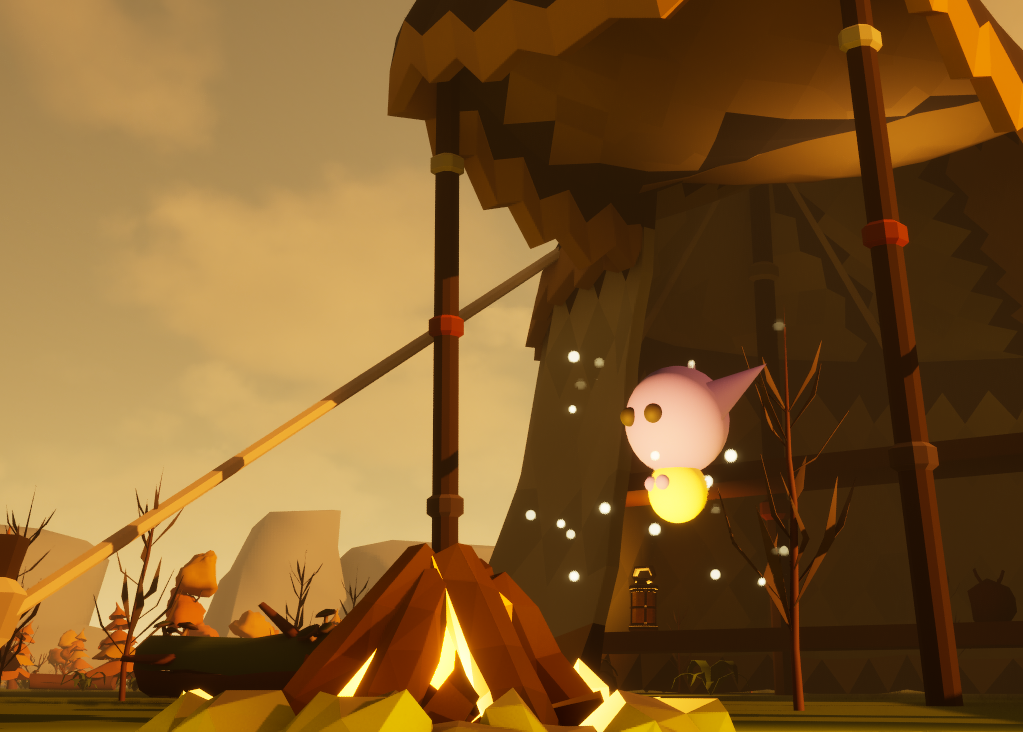
    All in all, I think this project was a success. My biggest win was that I completed the full development cycle, from concept to published game, in a single weekend. There are areas that I want to improve in next (specifically my Blueprint fluency), and gave me the confidence I needed to reassure myself that I can take an idea, manage the scope, adapt when things go wrong, and still deliver a finished game.